This guide provides a simple process to confirm customer referral purchases in Mention Me. Follow these steps to ensure both referrers and referees receive their rewards accurately—even when eligibility isn't automatically detected due to differing emails or integration delays.
Confirming a purchase ensures that a reward is sent to the referrer. If the offer includes an “after purchase” reward, the referee will also receive one.
This action usually happens automatically. However, it may be needed in cases where:
- The referee used a different email for purchase and signup
- Your integration isn’t sending orders with the proper email
How to Confirm a Purchase
- Go to https://mention-me.com/merchant/.
- Click Customers.
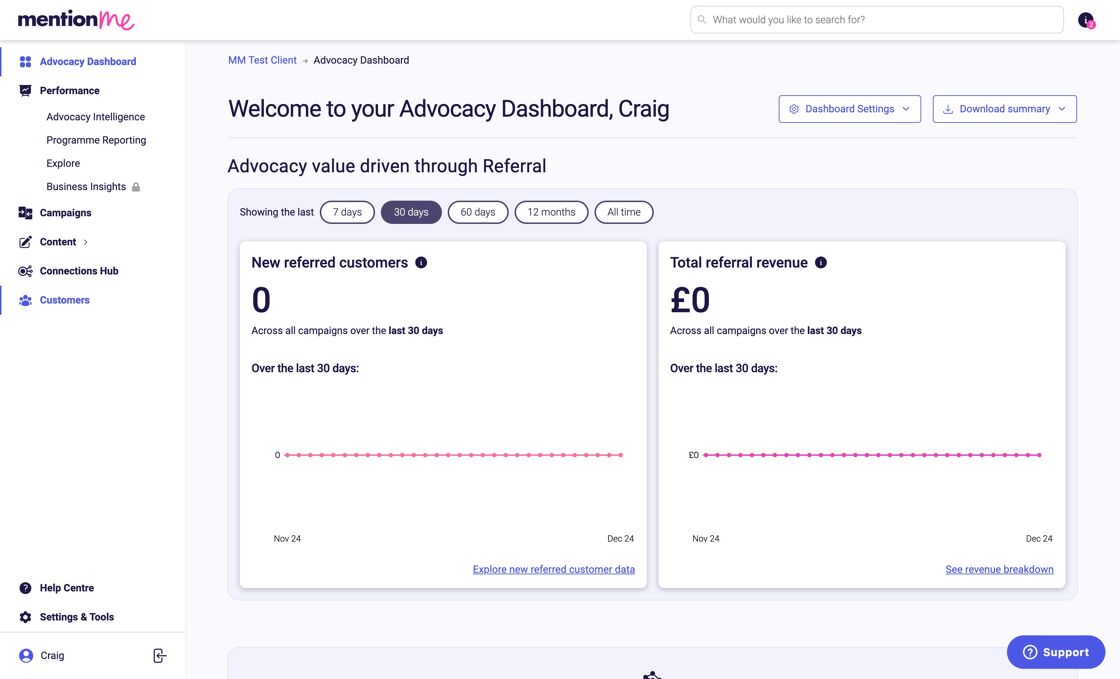
You must search for the referee (new customer) information to perform this action.
- Search using email, name, customer ID, or share link.
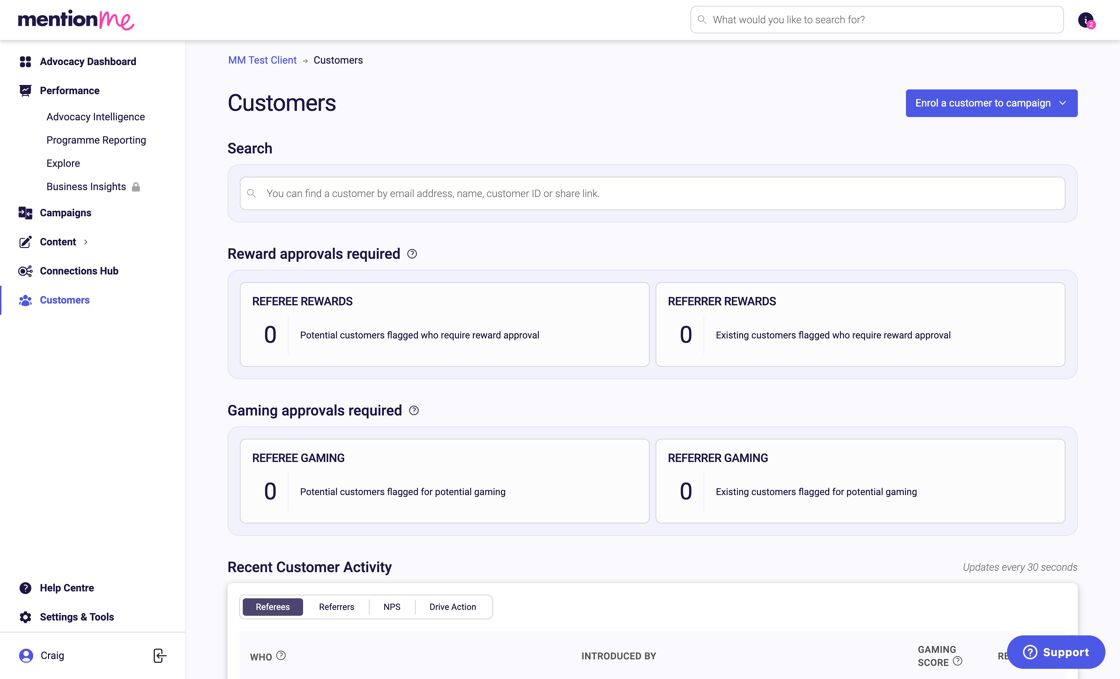
- Click the customer’s profile to open their record.
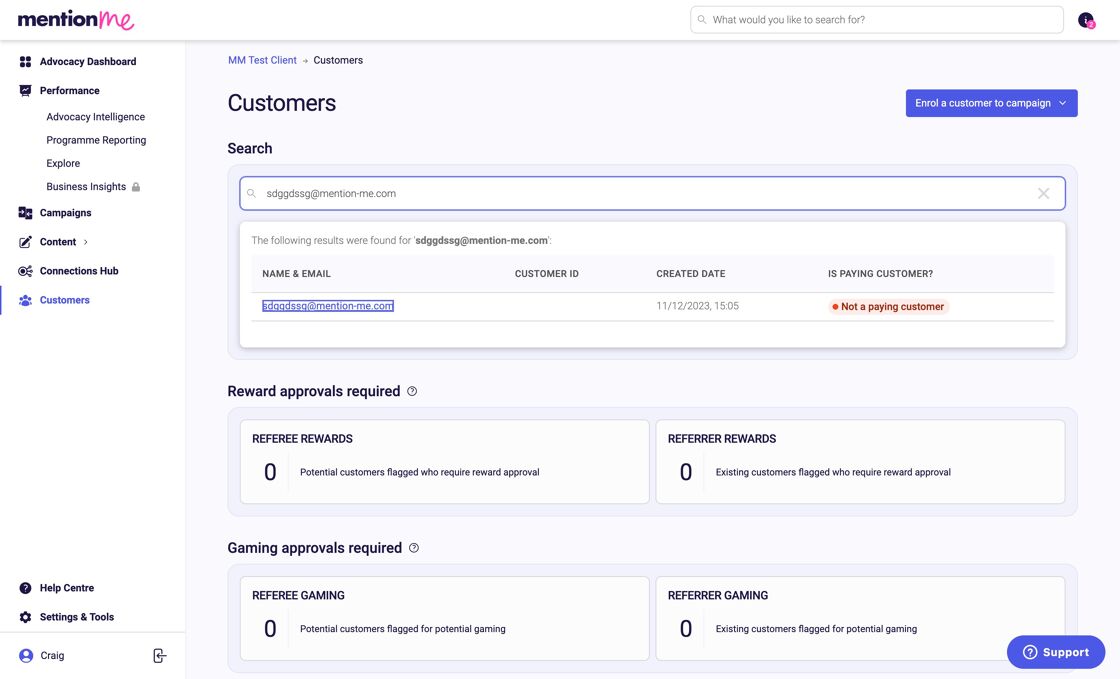
- Click Actions.
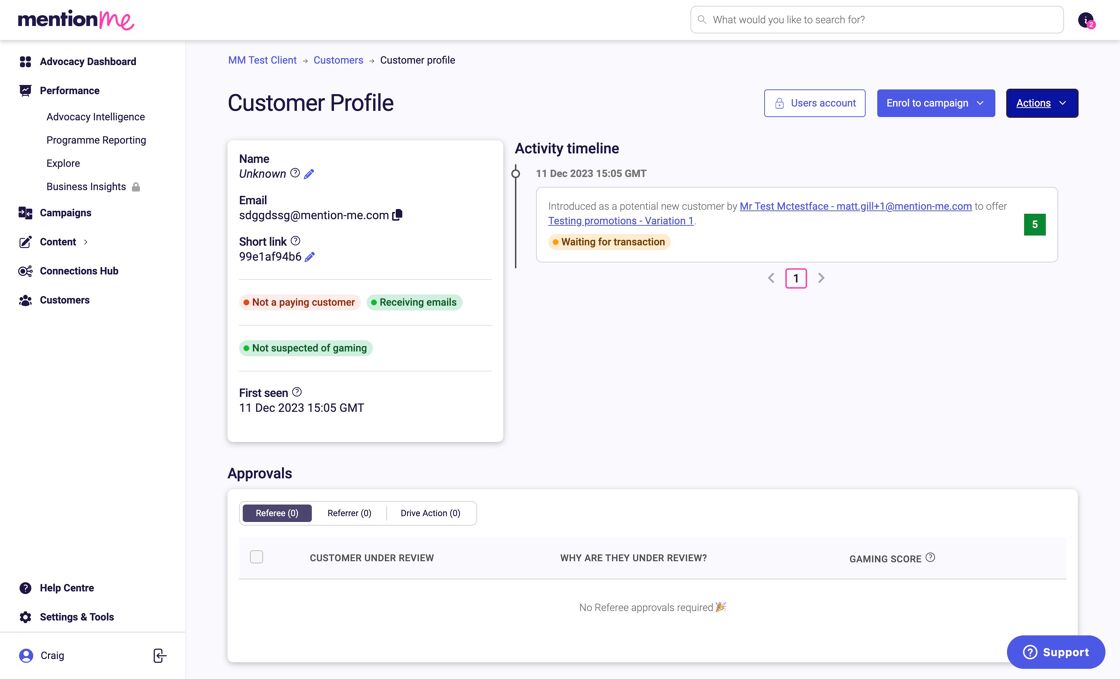
- Click Confirm purchase.
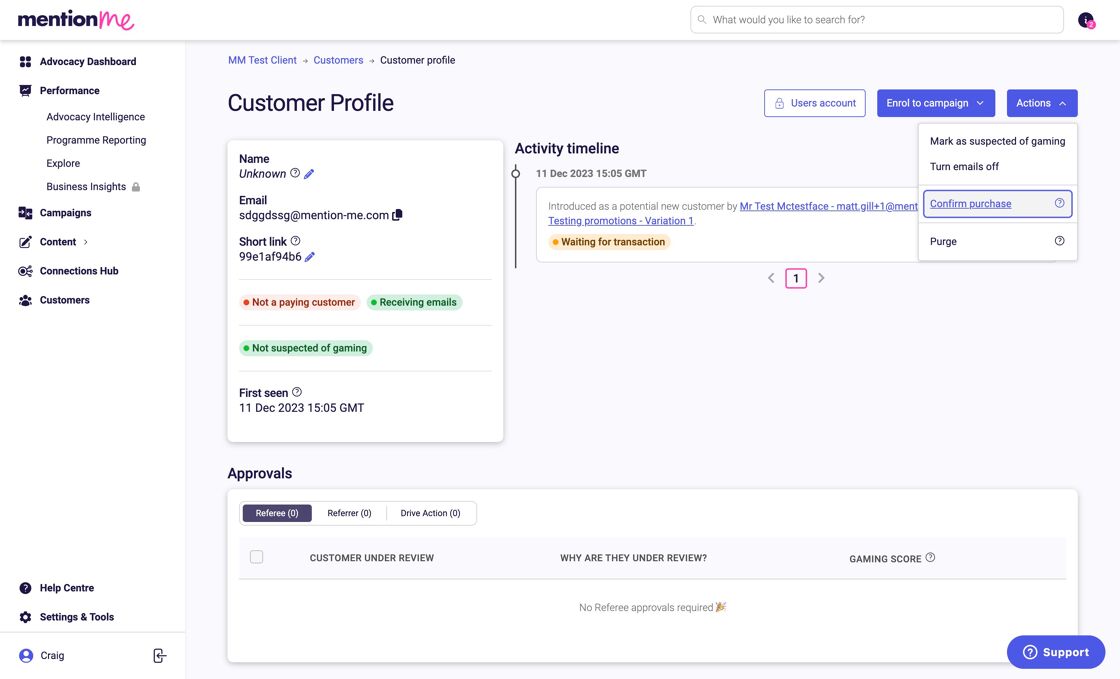
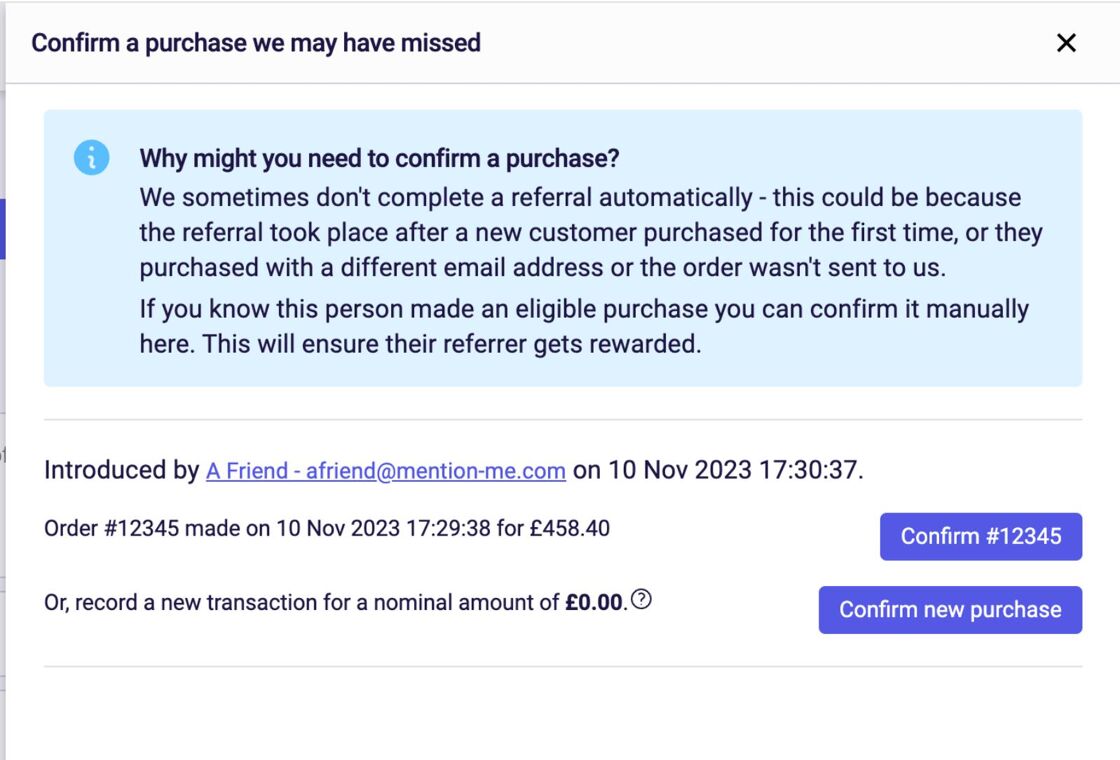
There are two options for how to proceed:
- Option 1: The customer made a purchase below the minimum spend. You can still confirm it to issue rewards.
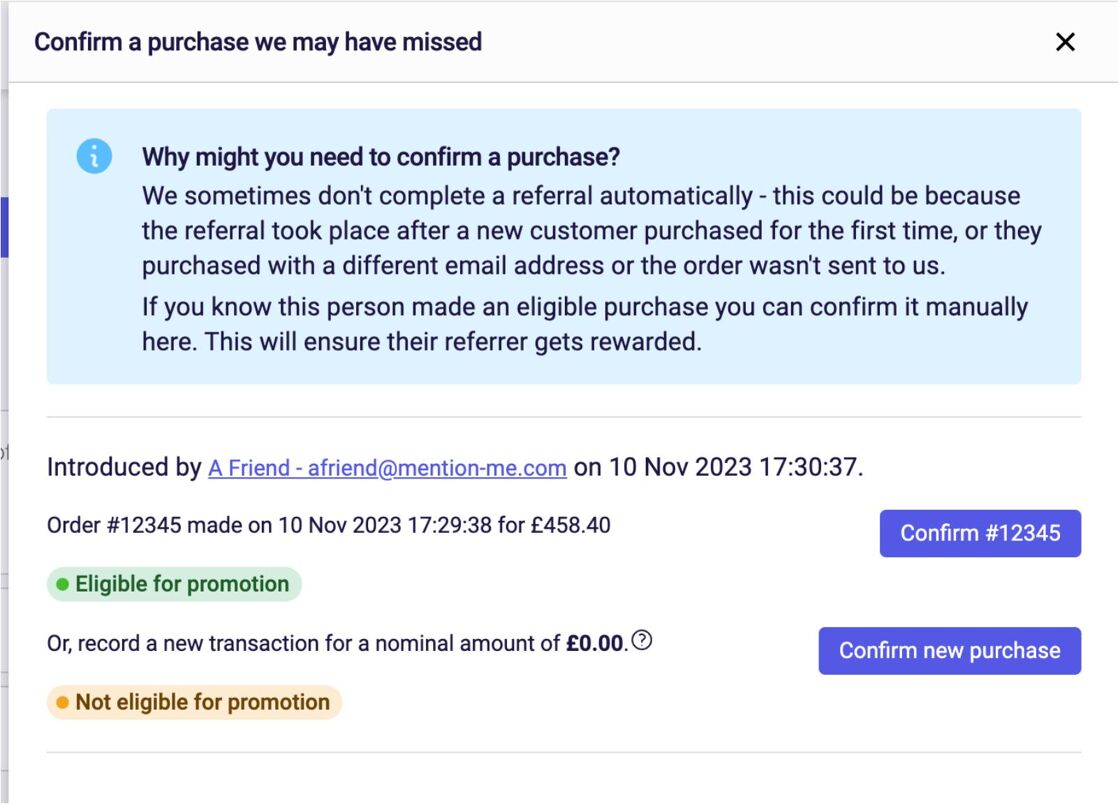
- Option 2: If part of a promotion, you’ll see whether confirming the purchase applies to that promotion.
- Click Confirm new purchase to proceed.
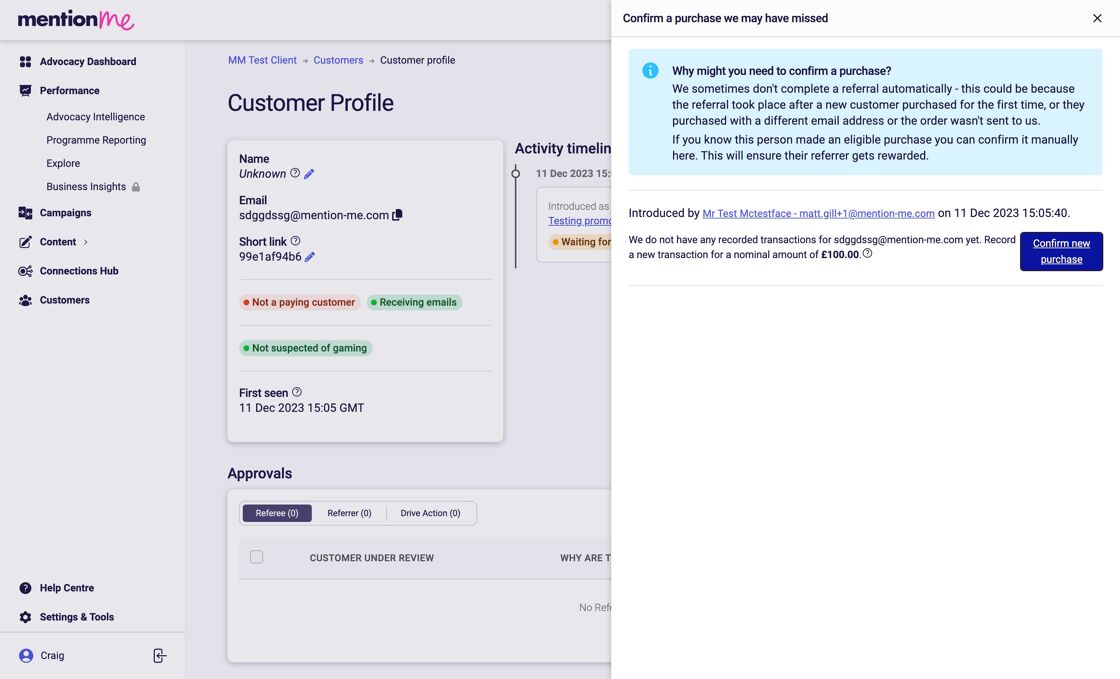
- Refresh the page. Locate the record again to confirm success.
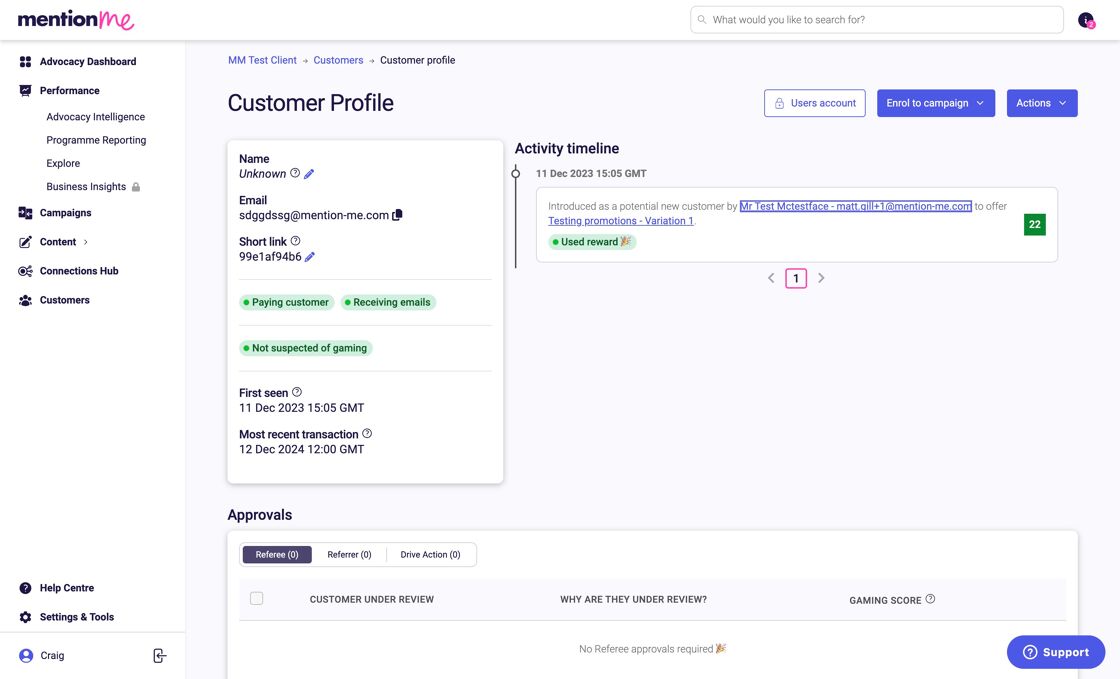
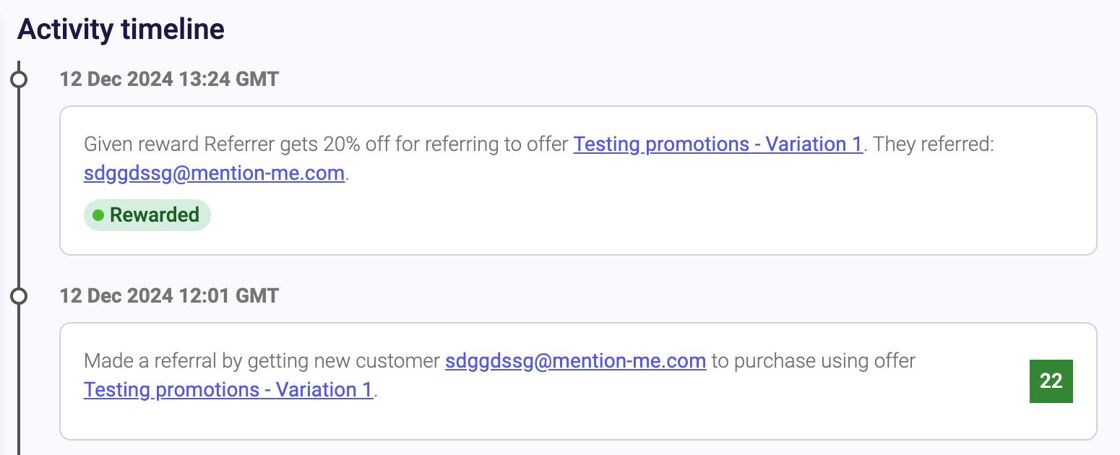
- You’ll now see the referral successfully linked under the customer’s Activity timeline.
- Under the Rewards section, you’ll see the code that was issued. With the right permissions, click Reveal to display the code.
